


User Interface, or UI, refers to all the elements of an application, program, or device that enable interaction with the user. It is an extremely important tool in the effort to gain a competitive advantage and attract potential customers.

The Most Important Principles of User Interface Design
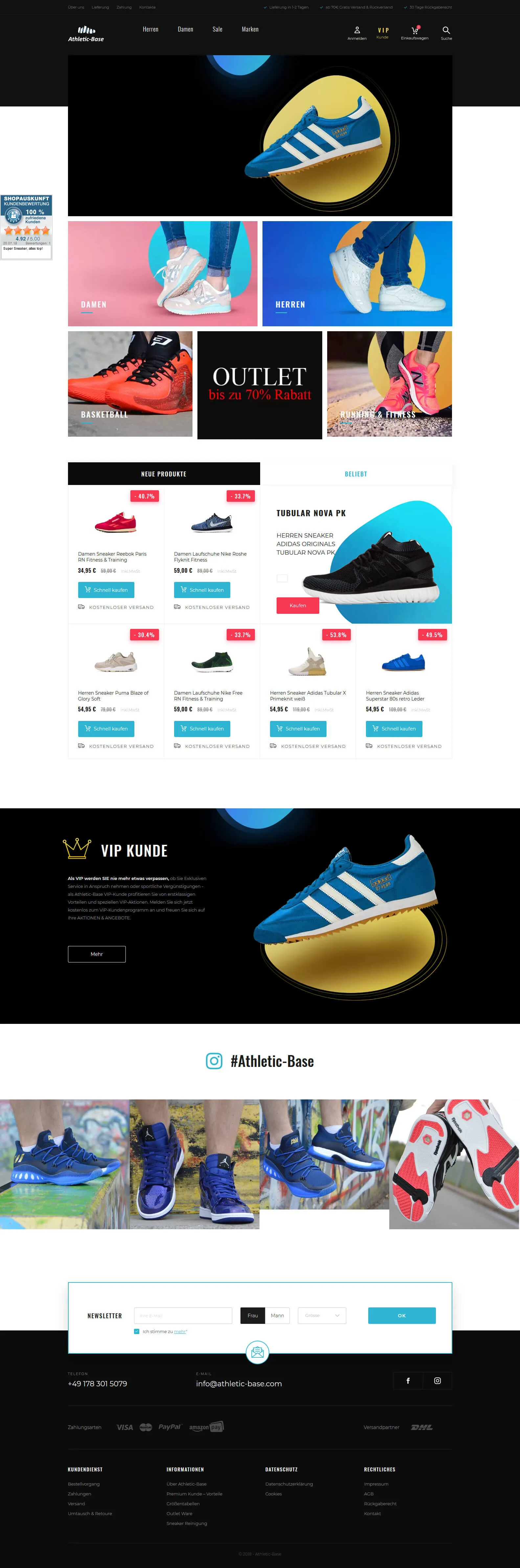
A well-designed UI should above all be intuitive and easy to understand. Usability and aesthetics greatly influence the User Experience – the feelings of the person using it. Since people are guided more by emotions than cold calculations, websites are designed to use graphics, texts, and interactive elements that provide emotional experiences, not just information.
If you want to communicate information quickly, use infographics. Users are most likely to browse the site in a hurry, scanning only images and headlines. The interface should be as clear and simplified as possible. Consider what you can do to help visitors save time. Also remember that customers tend to perceive negative experiences more strongly – even if the site is technically well-designed, the final product can be poorly received due to poorly chosen design or overly complicated operation.
Use innovative UI patterns with caution. Users like to know at first glance what each element is for. Account login is usually located in the top right corner, while the company logo and name are typically placed in the upper left part of the page. Links, buttons, and navigation should primarily be functional for the people visiting the site.
The Three Most Common Mistakes
The basic mistake is underestimating the importance of the User Interface as just an additional element that does not matter much. The second, even more serious error is creating the interface without understanding the audience. For the UI to appeal to clients and positively affect their experience, you need to find out who uses the website or application, how much time they spend there, and where their gaze is most often directed. The third mistake is misaligning content with business goals. An overload of content, complicated navigation, and pop-up windows will cause users to get lost in the application. Minimal content helps maintain control over content quality. Modern users browse websites on many devices – computers, phones, tablets – so make sure your site is responsive and check before publishing that the interface looks good on each of them.
Similar articles
Shopify, WooCommerce or Shoper: Which to Choose for Your Store
Three ways to build an online store in Poland: ready-made Shopify, flexible WooCommerce and the local Shoper. We compare pricing, flexibility, SEO and...
How to Choose a CMS for an Online Store?
With business network starters in mind who do not have programming skills, a CMS (content management system) was created.
Google Trends Before the Holidays: How to Prepare Your Online Store?
Google Trends is a tool used to monitor user searches over a specific period.

Have questions?
Call us - we will discuss the details

Every project is individual, requires attention and careful planning. I will help you realize your ideas and do everything so that you achieve your goal.