

Communication with the client through Facebook chat is an excellent solution when you run online sales. When choosing products or services, the client often feels alone, gets lost in a tangle of technical details, and has no way to ask for help.
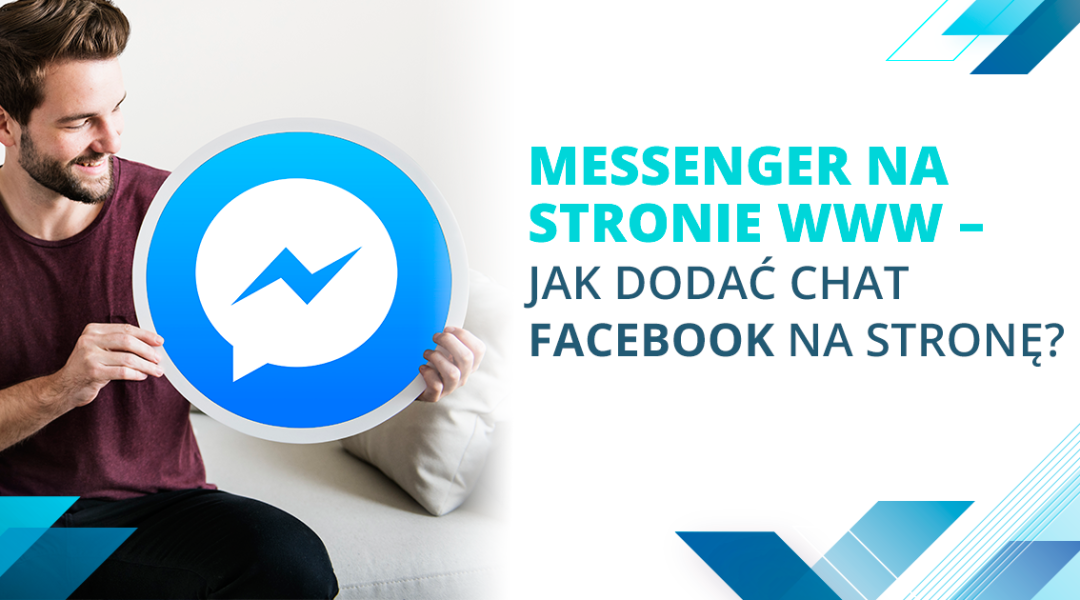
Using Messenger allows you to easily respond to potential buyers' questions and enhances their satisfaction with the sales process.
Benefits of Facebook Chat on a Business Page
Having Messenger on your website is a very quick and convenient way to communicate – customers can ask questions in real time and don’t have to wait several hours for a reply, as is often the case with emails. Additionally, Messenger is currently the most popular messaging app, so it can be used on any smartphone. This means customers can ask questions and you can respond from virtually anywhere, without needing access to a computer. Using Messenger provides customers with privacy, and the conversation history remains in their inbox, so they can refer back to it if needed.
How to Install Messenger Customer Chat
The first technical requirement is to have a company fan page on Facebook. The customer will not see the name of the employee they are chatting with, only your page name. To install the Messenger chat, you can use the ready-made setup wizard available in your fan page settings.
- Log in as an administrator and in the "Settings" tab, select "Messenger Platform," then find the "Customer Chat Plugin" option. Click on the "Set up" field.
- Choose the language and welcome message, as well as the widget color.
- Enter the domain of your website where you want to add the Messenger chat. You will receive a snippet of HTML and JavaScript code to place on your site.
- After placing the code on your homepage, the chat will be visible. However, remember to add the code to all subpages to ensure proper communication with customers.
The free Messenger chat is an excellent tool for customer communication with great growth potential. It enables you to stay in touch with customers 24/7, managed both by your staff and through a chatbot. How does it look in your business? Will you try Messenger Customer Chat or stick to traditional email messages? Let us know in the comments!
Similar articles
User Interface Design, or the Human Side of Code
User Interface, or UI, refers to all the elements of an application, program, or device that enable interaction with the user. It is an extremely impo...
Google's BERT Algorithm – A Revolution Is Coming
BERT is the latest technology developed by Google one and a half years ago. Its purpose is to improve and enhance the processing of natural language,...
How to Create the Perfect Product Page for an Online Store?
Product page is the most important element of e-commerce. This is where the customer decides whether to purchase your product or to abandon it, and it...

Have questions?
Call us - we will discuss the details

Every project is individual, requires attention and careful planning. I will help you realize your ideas and do everything so that you achieve your goal.